Inference using HighResCanopyHeight
HighResCanopyHeight is a Regression Model, it generates tree height maps. Using TreeEyed multiple relevant layers can be generated.
Direct result:
Grayscale raster (tree heights)
Derived results:
Binary raster (tree/non tree)
Polygons vector layer
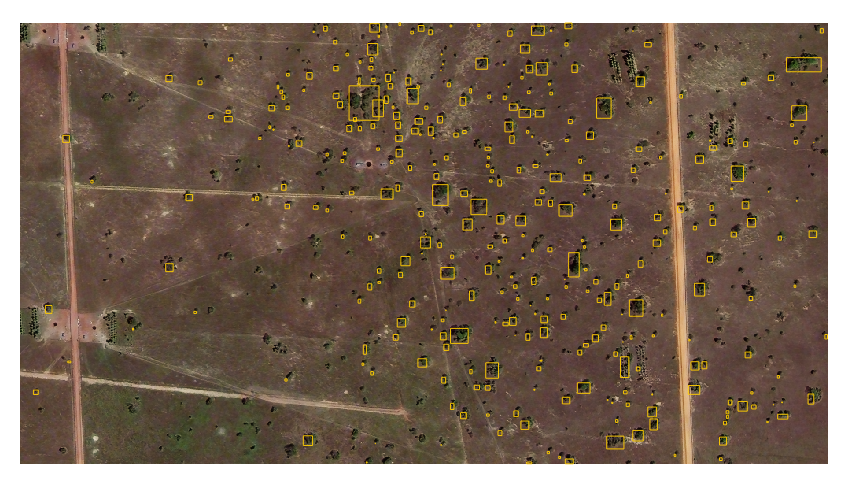
Bounding Boxes vector layer
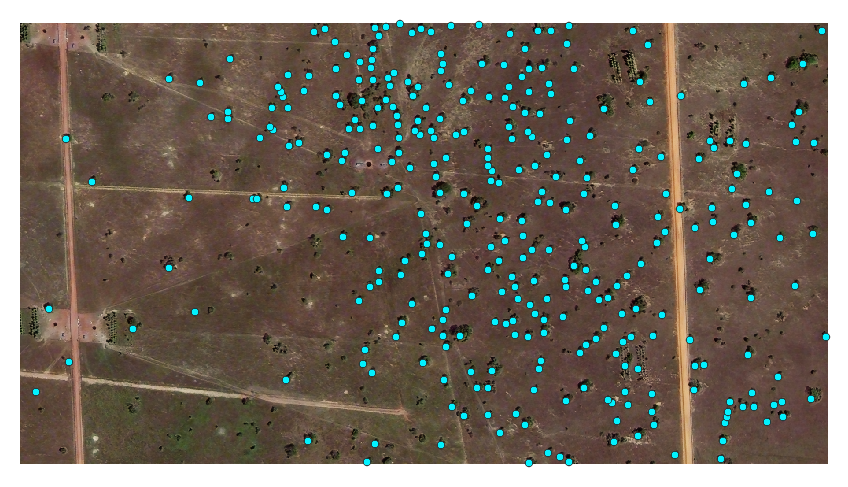
Centroids vector layer
Input
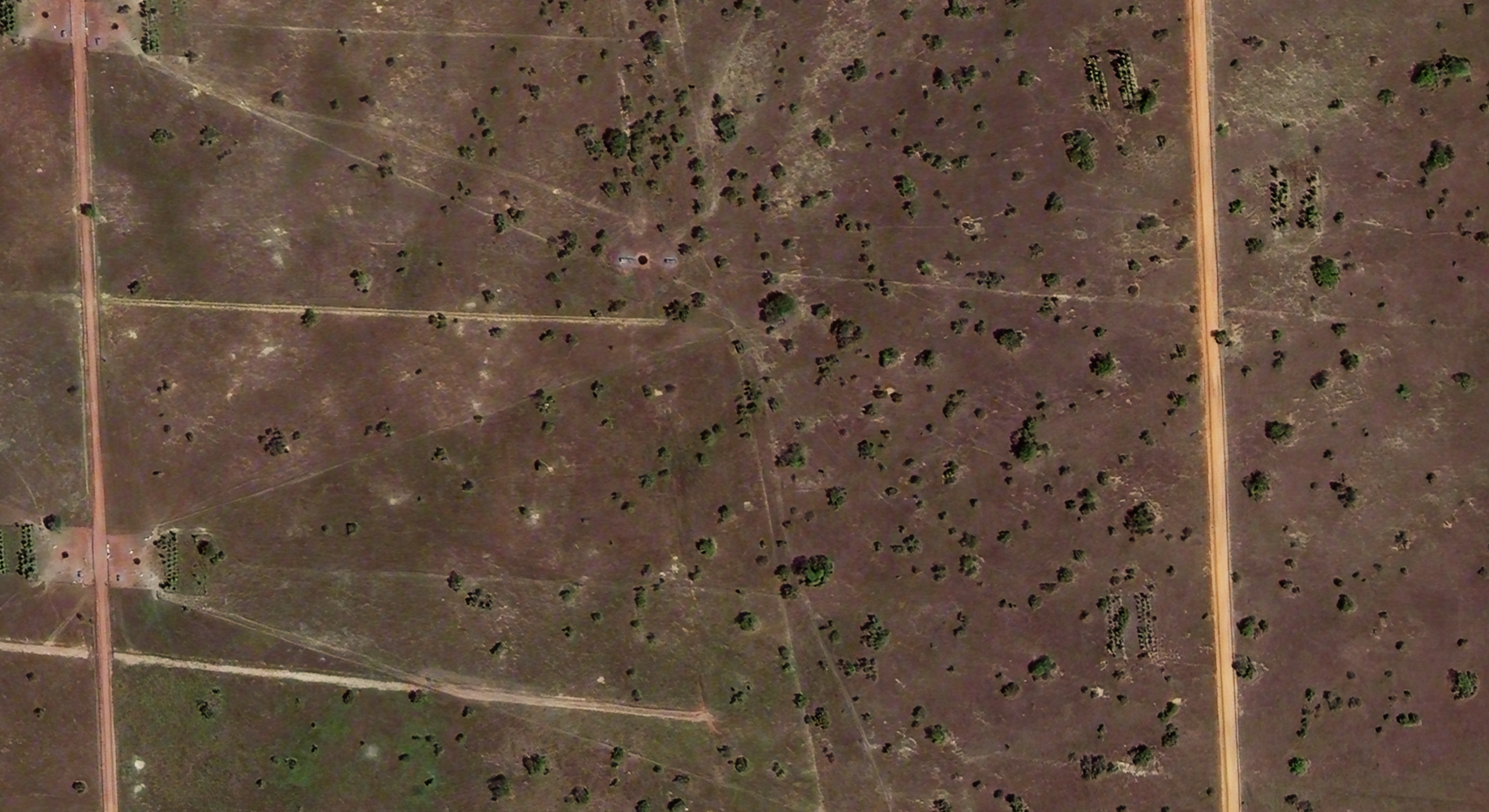
For this example we will use this image of a silvopastoral system. This image was extracted from a bigger raster image. In particular the important characteristic is:
Feature |
Value |
Unit |
|---|---|---|
Spatial resolution |
0.5 |
m |
Width |
1835 |
px |
Height |
1001 |
px |
Configuration
Input
Select the appropiate Input layer from the dropdown menu.
For Extent select Layer extent.
Output
Select the appropiate Output directory and Output name.
Processing
- Go to the Inference tab
Select HighResCanopyHeight model from the dropdown menu
Select the desired Result types, the direct result type for this model is Grayscale
- You can leave the default parameters or adjust them
type: you can choose between Satellite or or Aerial for your corresponding input theshold: percentage of to threshold the result for the binay raster result
Press Process to start the inference process
Results
The resulting added layers depend on the selected Result types
Direct result:
Processing Result |
Result Type |
Result |
|---|---|---|
RASTER LAYERS |
||
Derived result |
Binary |
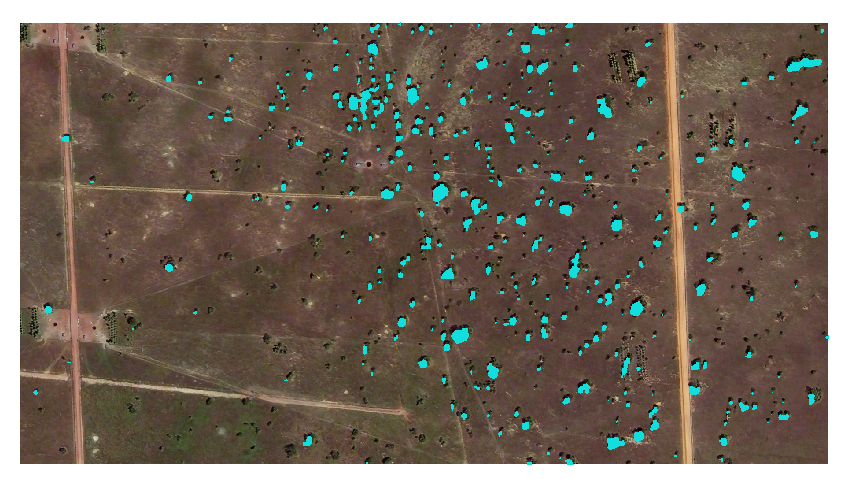
|
Direct result |
Grayscale |
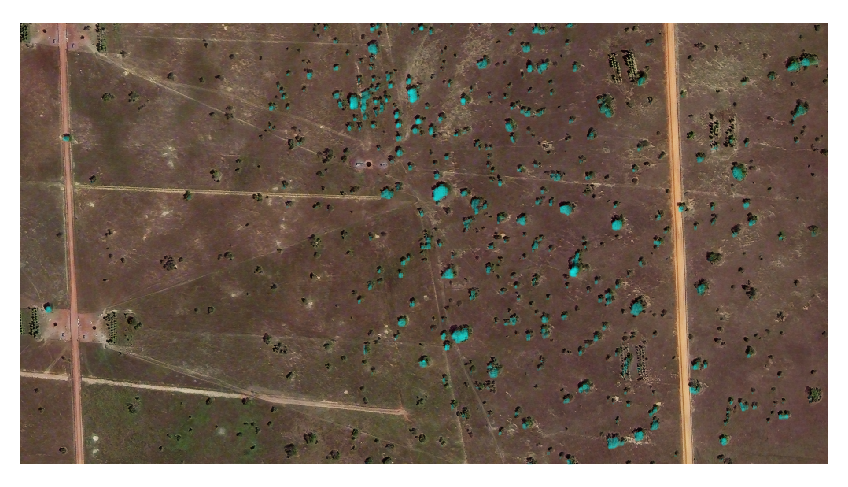
|
VECTOR LAYERS |
||
Derived result |
Polygons |
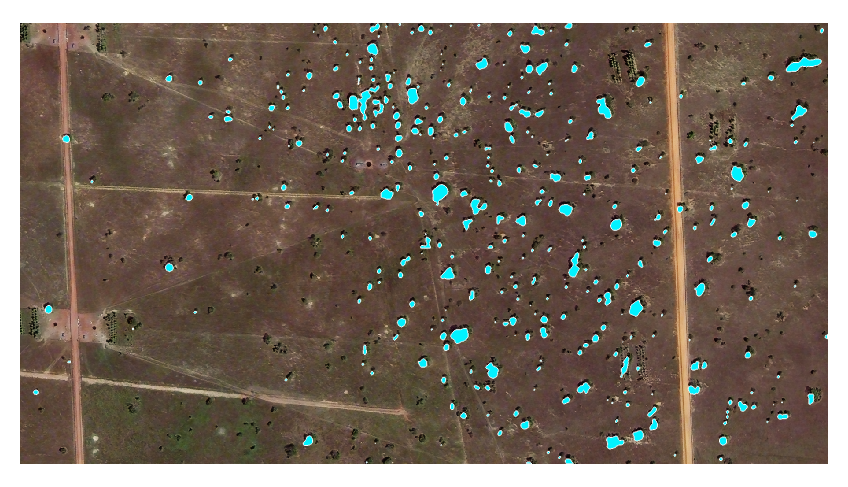
|
Derived result |
Bounding Boxes |
|
Derived result |
Centroids |
|