Inference using Mask-RCNN custom model
Mask-RCNN architecture can be used for multiple vision task. In this case it is used for Instance Segmentation.
Direct result:
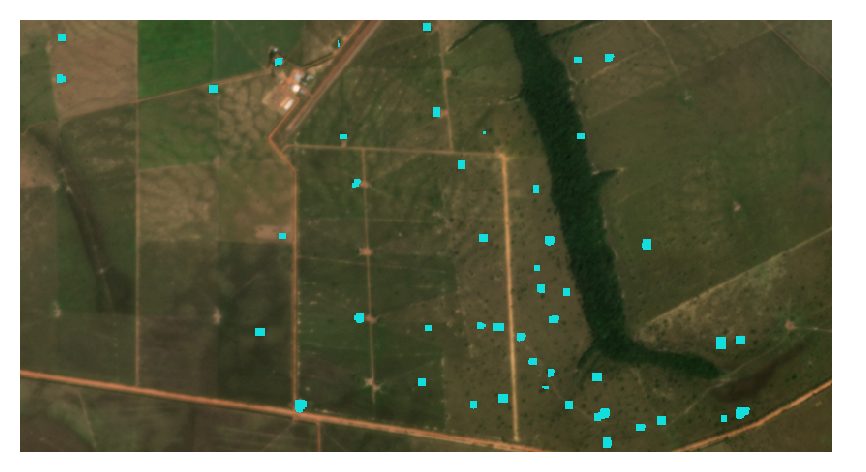
Binary raster (tree/non tree)
Derived results:
Polygons vector layer
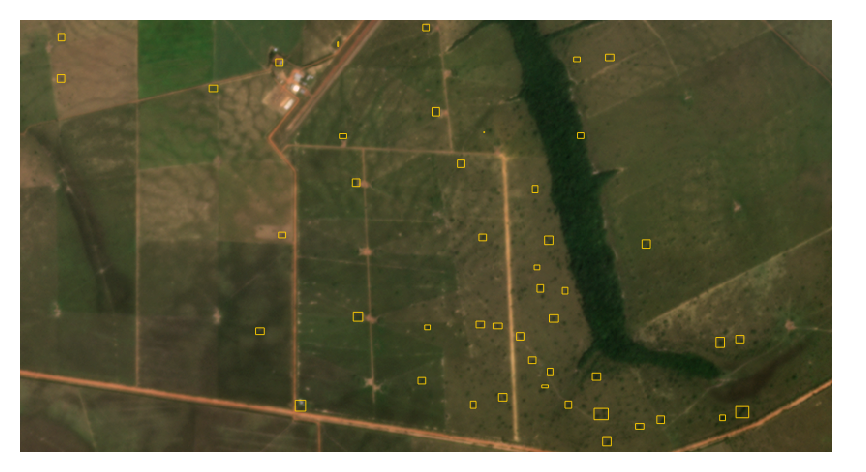
Bounding Boxes vector layer
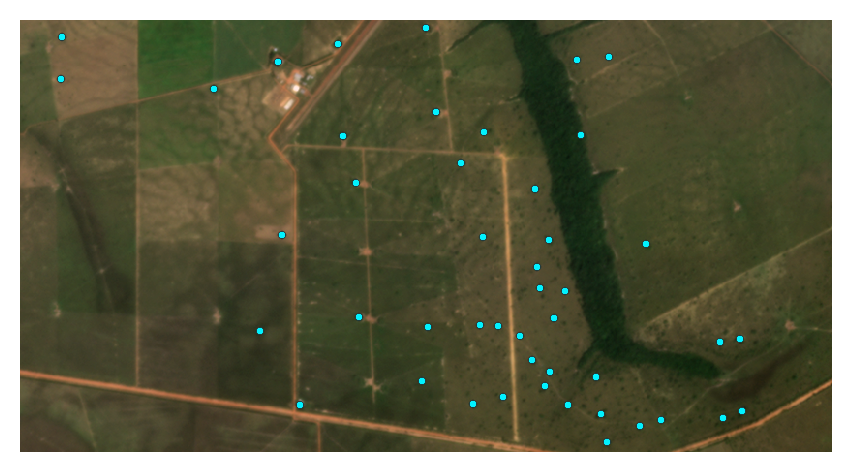
Centroids vector layer
Input
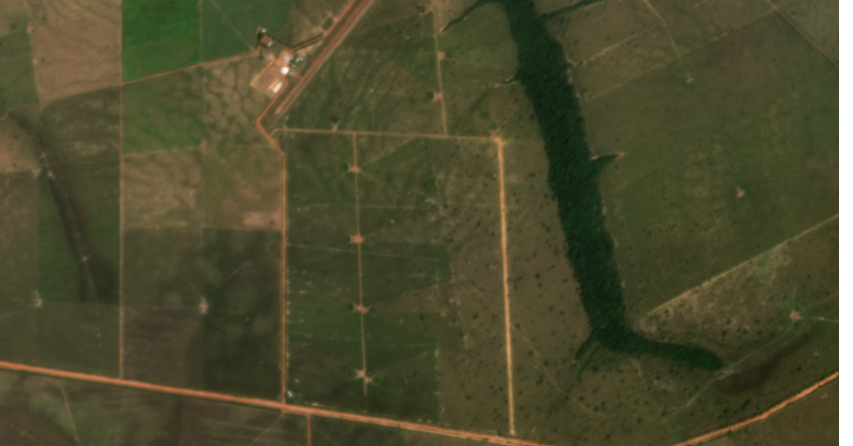
For this example we will use this image of a silvopastoral system.
Feature |
Value |
Unit |
|---|---|---|
Spatial resolution |
4.77 |
m |
Width |
853 |
px |
Height |
446 |
px |
Configuration
Input
Select the appropiate Input layer from the dropdown menu.
For Extent select Layer extent.
Output
Select the appropiate Output directory and Output name.
Processing
- Go to the Inference tab
Select Mask-RCNN model from the dropdown menu
Select the desired Result types, the direct result type for this model is Binary
Press Process to start the inference process
Results
The resulting added layers depend on the selected Result types
Direct result:
Processing Result |
Result Type |
Result |
|---|---|---|
RASTER LAYERS |
||
Direct result |
Binary |
|
Derived result |
Grayscale |
NOT AVAILABLE FOR THIS MODEL |
VECTOR LAYERS |
||
Derived result |
Polygons |

|
Derived result |
Bounding Boxes |
|
Derived result |
Centroids |
|